






Smart Solutions for Government Offices
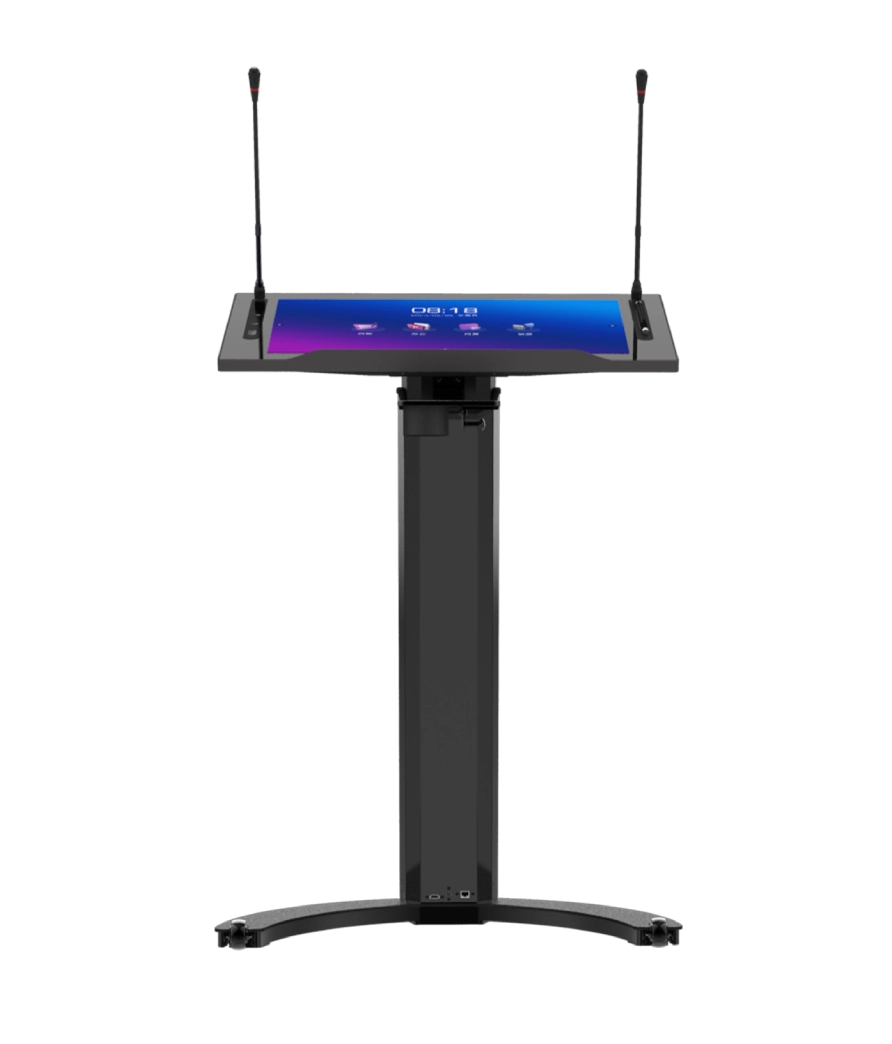
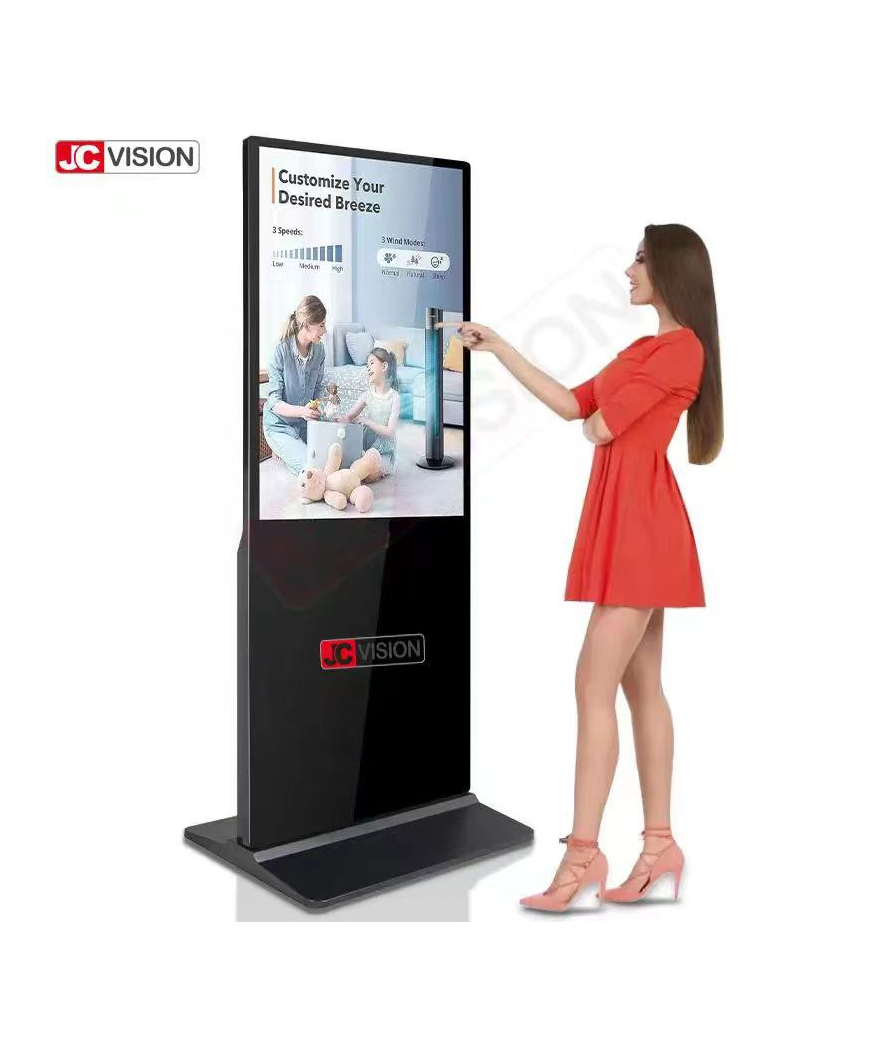
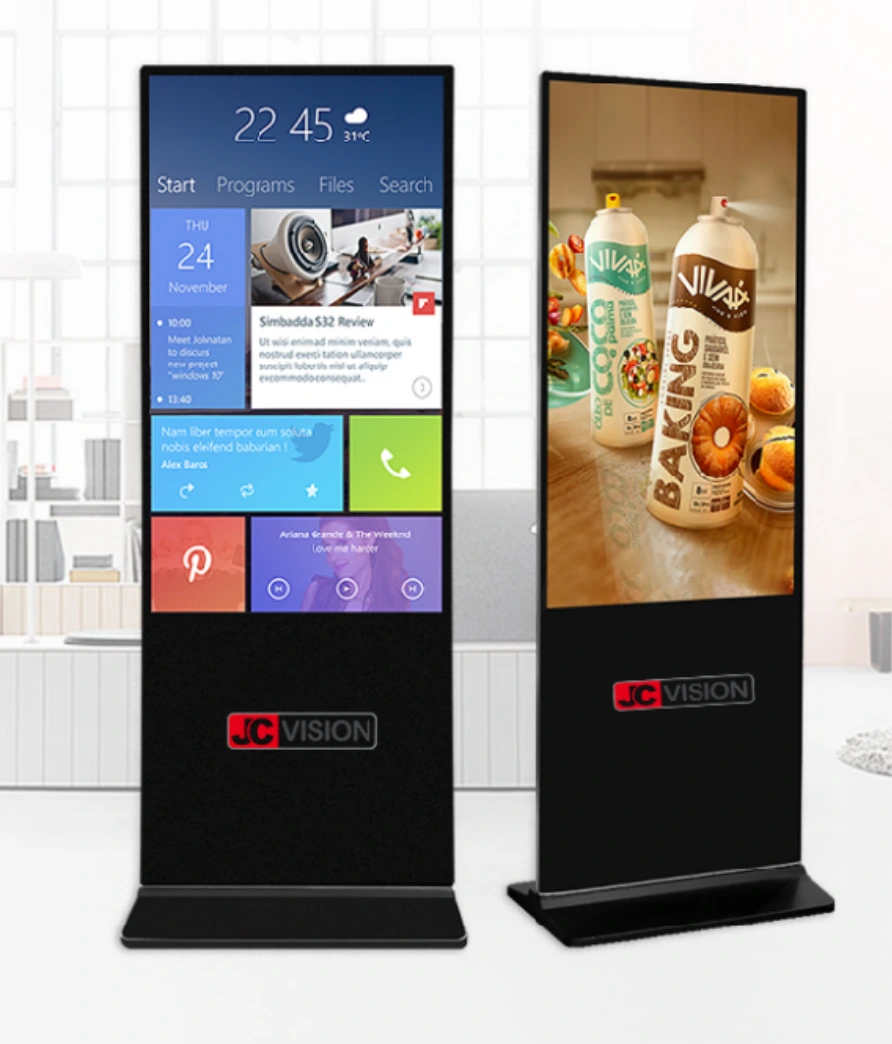
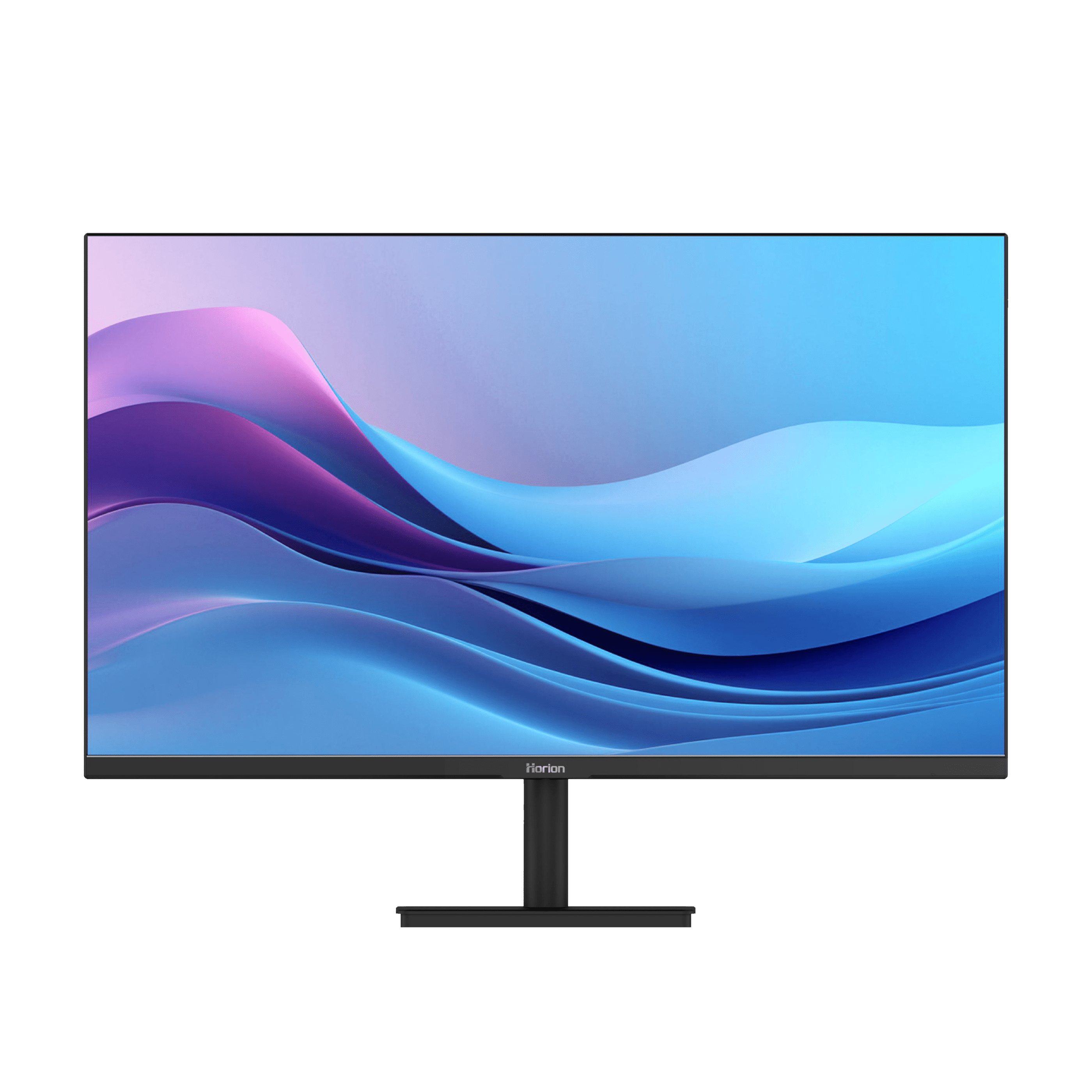
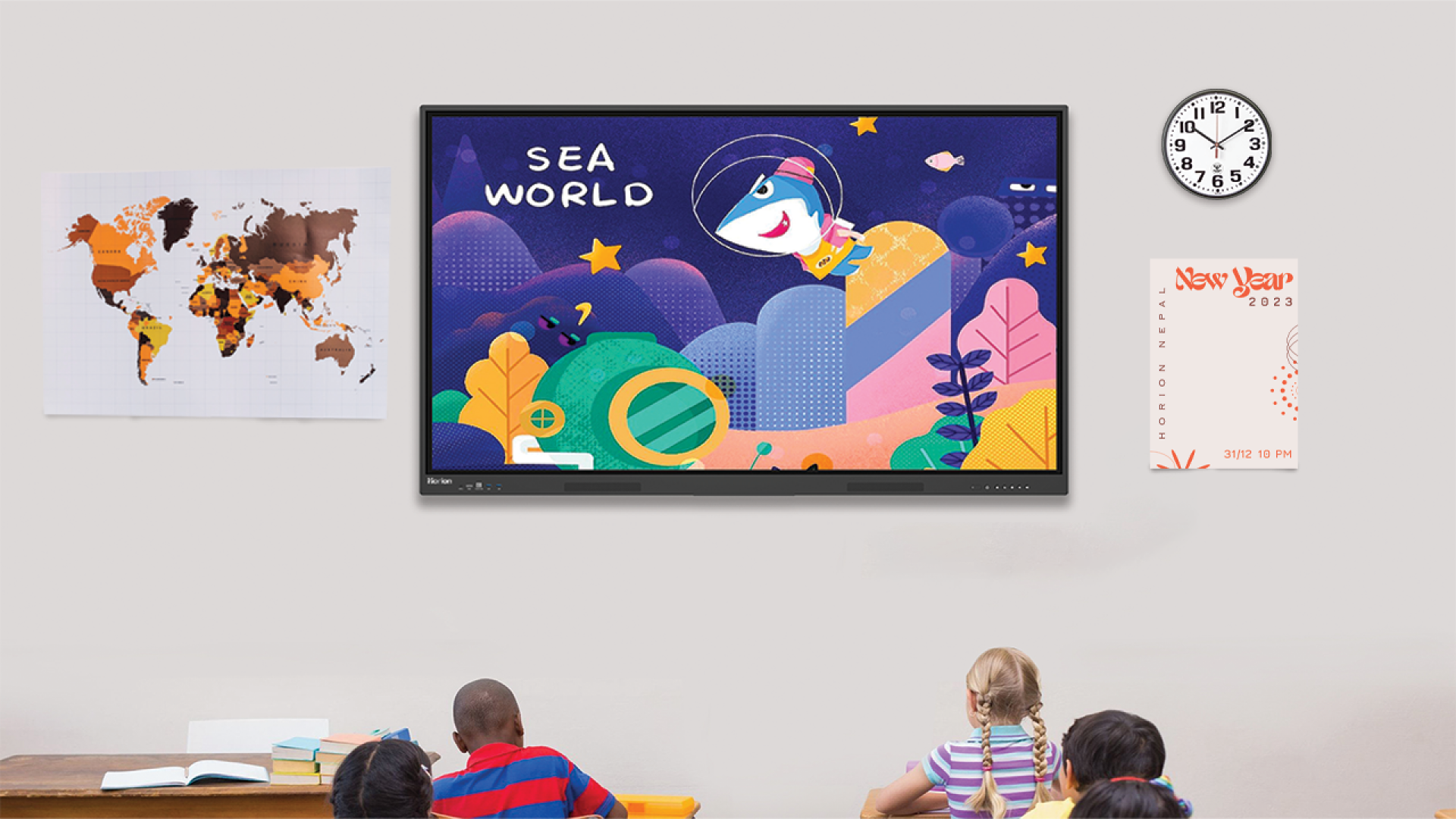
Technology is becoming increasingly important in enhancing the way that government departments within Nepal manage their day-to-day activities. With the use of outdated technology such as projectors, whiteboards, and even complex wiring systems, organizations have now switched to interactive flat panels from Horion. These Horion modern smart displays aren’t just about showing slides; they are designed to make communication feel more natural, whether you are presenting to a small team or hosting a public forum. By integrating high-quality visuals and smart audio, these tools help officials focus on making decisions rather than struggling with cables and settings.
Here are some of the key features that make these smart solutions ideal for modern government offices:
- Sharp 4K Display: The high-quality display makes sure that every bit of information displayed by your computer screen is clear, making it easier for viewers to understand what is being discussed. This reduces misunderstandings and helps teams focus on accurate decision-making without missing important details.
- Smart Voice Tracking: The built-in camera automatically finds and zooms in on the person speaking. This makes remote participants feel like they are right there in the room. It also creates a more engaging and professional meeting experience, especially during official discussions and presentations.
- Professional Audio Setup: With an array microphone and a 60-watt speaker system, voices remain clear and loud without the need for external sound equipment. Even in larger rooms, everyone can hear and be heard without repeating themselves or adjusting settings constantly.
- Wireless Screen Sharing: You can instantly mirror content from a laptop, tablet, or phone, making it simple to switch between different presenters during a collaborative session. This saves time and keeps the flow of the meeting smooth without interruptions caused by cables or setup delays.
- Efficient Design: With these panels, there is definitely increased efficiency within the delivery of services since the briefing sessions become much more understandable and even more engaging. Ultimately, they lead to faster communication, coordination, and, eventually, increased efficiency.
Frequently Asked Questions
1. Is the Horion flat panel easy for government staff to use without technical training?
Yes, the interface is designed to be as intuitive as using a large tablet or a smartphone. Most users can start a meeting or share their screen within seconds. It runs on a familiar operating system, so there isn’t a steep learning curve, which is essential for busy government offices where time is at a premium.
2. How does the screen mirroring feature handle security?
Security is a top priority for government sectors. The screen mirroring function allows for quick data sharing but keeps the local network secure. You can share your screen via a secure wireless connection or a physical dongle, ensuring that sensitive government information is only displayed to the intended audience.
3. What kind of maintenance do these interactive panels require?
These systems are designed for intensive use in professional applications, and unlike projectors, they require minimal upkeep. They do not have any costly bulbs that need replacement. Nor are there any filters that require cleaning. Cleaning the glass and updating the software is typically enough.