






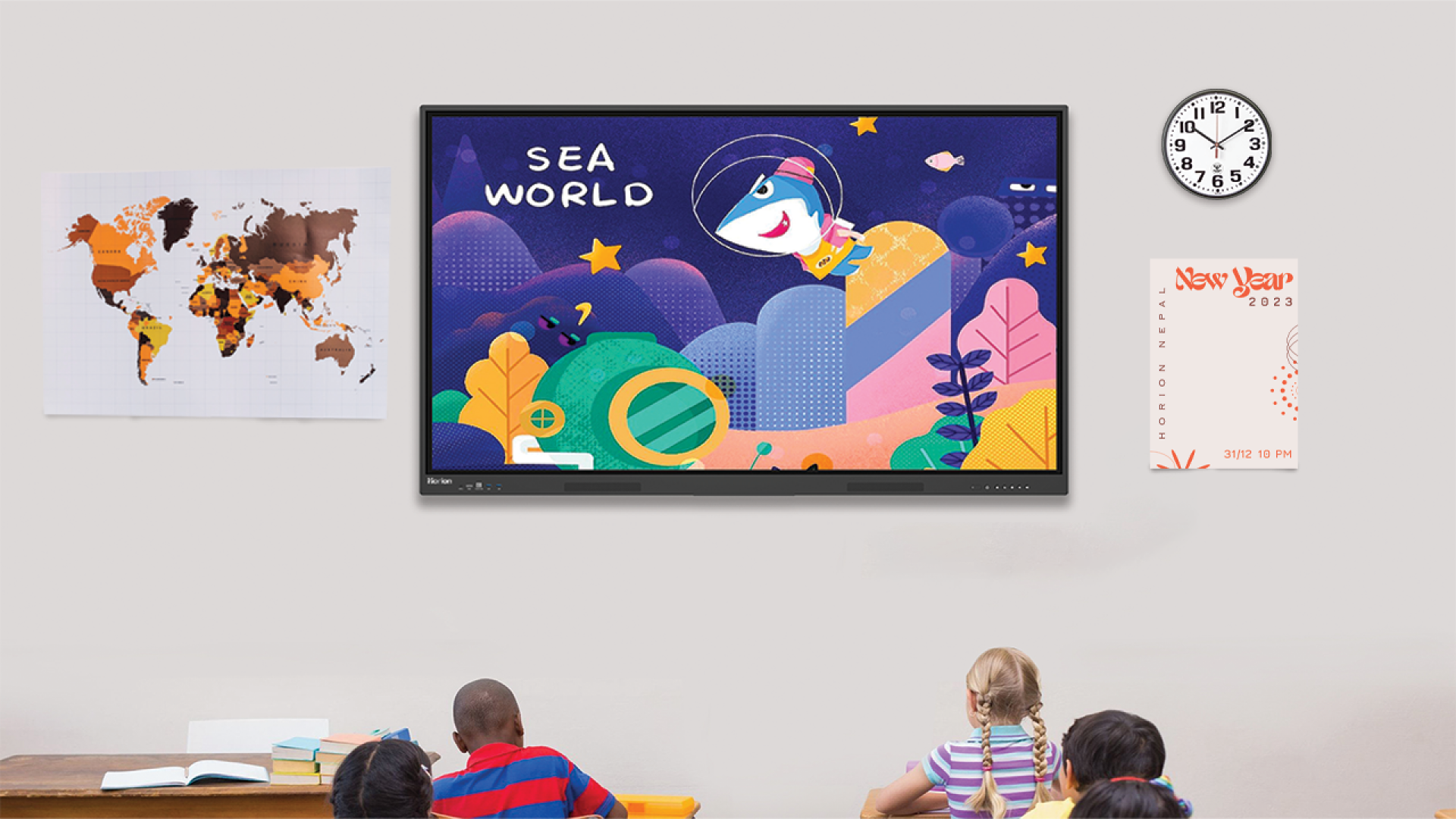
How to Choose the Best Smart Boards for the Classroom?
The usage of smart boards is growing with each passing day across multiple fields. One area where the usage of these new-age boards is increasing at a rapid pace is in education. This has led to classrooms being more interactive, visual, and collaborative. But not all smart boards are the same, and there are a few key considerations one needs to note before getting a smart board. So the question here is – how to choose the best smart board for classrooms? Some of the key factors include screen size and classroom fit, display quality and resolution, touch technology and responsiveness, and connectivity options. Besides these, there are more factors.
In this blog, we provide you with insights on how to choose the best smart board for classrooms. Along with this, we also provide you with information on some common mistakes to avoid, alongside some of the best smart boards in Nepal as well.
What is a Smart Board?
A smart board, also known as an interactive whiteboard, is a form of digital display that allows both teacher and student to interact with the content directly on the screen using a touch or a stylus. This type of interactive board integrates the most important functions of a whiteboard, computer, and projector into one system, thus making the learning process more interesting. There are different connectivity options that make it easy to connect external devices.
These boards allow users to display multimedia content while also allowing for real-time writing, drawing, and annotation, creating a more interactive learning experience where students can actively participate. Furthermore, they also support collaboration, screen sharing, and access to online resources such as active AI, which makes them an essential tool for modern education.
Why Smart Boards Are Essential in Classrooms?
Smart boards are now a standard feature in modern classrooms. They make traditional teaching more interactive and engaging. Teachers and educators don’t have to rely on just textbooks. They can include pictures, videos, and live demonstrations. Smart boards are also crucial in the classroom for the following reasons:
- The students will be more interested in the classroom if they are able to interact with the pictures, videos, and touch technology.
- The board allows the students to write and interact with the board, which makes learning interactive.
- It is easy for teachers to include pictures, videos, and presentations in their teaching.
- Visual explanations, real-time demos and other methods of simplifying difficult concepts are available.
- Multiple students can work on the same screen using multi-touch.
- Smart boards are ideal for online classes that require screen sharing and remote participation.
- Saved notes and annotations are available to be shared and reused in future classes.
- The all-in-one feature reduces the number of devices required and simplifies the delivery of lessons.
What to consider when choosing a smart board?
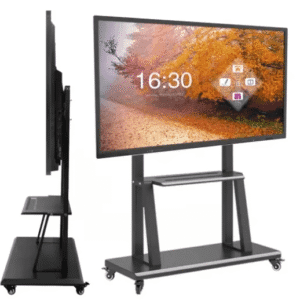
You should be aware that while smart boards are important in classrooms, not all of them can meet your needs. How do you select the best smart board for your classroom? While selecting smart boards, there are certain factors that need to be kept in mind. These are:
1. The Screen Size for Classrooms
The size of the screen depends on the number of students in the class. A board that is too small may make it difficult for students to read the content, particularly those seated at the rear. In larger classrooms, a bigger display will ensure that everyone can see the content. For maximum effectiveness, it is important to consider the placement of the display and its viewing distance.
2. Display Quality and Resolution
Text, images and videos will appear crisp and clear with a high display quality. To improve the clarity, it is recommended that 4K resolution be employed. Anti-glare screens ensure that the board is visible in bright classrooms. The improved display helps to reduce eye strain and improve the learning experience.
3. Touch Technology and Responsiveness
The responsive touch technology enables smooth navigation, writing, and drawing. The palm rejection technology prevents accidental touching while writing.
3. Multi-Touch and Collaboration Features
Multiple people can use the board at once with multi-touch. The collaboration between students is encouraged. This feature allows for more touch points in the classroom.
4. Software Compatibility
Compatible with other educational software. The compatible operating systems, like Android and Windows, make it easier to access and run content. The user-friendly software makes it easy for teachers to operate the Smart Board.
5. Connectivity Features
The presence of HDMI, USB, and Bluetooth connectivity features makes it easy to connect laptops, tablets, and other devices. Wireless screen sharing is also easy while teaching. This makes teaching easy. Smart boards should have features such as screen recording, digital whiteboard, and annotation. Content saving and sharing improve continuity of teaching. The features on the smart board eliminate the need to use additional software and devices.
6. Audio and video Capabilities
Built-in speakers improve audio delivery for videos and presentations. A good sound quality will ensure that all students are able to hear the lesson. Some smart boards include cameras and microphones for virtual learning. These characteristics are suitable for both hybrid and physical learning environments.
7. Durability and Construction
Smart boards should be designed to last in the classroom. Smart boards that are made of durable materials, such as tempered glass, are resistant to scratches and damage. A smart board that is well-constructed will provide consistent performance. A durable smart board will save on maintenance and replacement.
Mistakes to Avoid when Selecting a Smart Board for Classroom Use
Just like it is essential to consider the essential factors when selecting the best smart boards for classroom use, it is also essential to avoid mistakes, and there are several of them. Some of the mistakes to avoid when selecting a smart board for classroom use include:
- Selecting the wrong size of the screen may result in poor visibility of the content and thus may be ineffective in the classroom.
- Considering the cost alone may result in low-quality smart boards.
- Ignoring software compatibility can create difficulties in using essential teaching tools and platforms. Overlooking touch responsiveness can lead to lag, inaccurate input, and disrupted lessons.
- Neglecting connectivity options can limit device integration and make content sharing inconvenient.
- Not considering classroom needs can result in a smart board that does not fully support teaching requirements.
- If you ignore audio and video quality, it can affect the clarity of your lessons and reduce engagement.
The board can become confusing if it is overloaded with unnecessary features. Avoiding these mistakes and taking into consideration the most important factors will not only help you to choose the right smart board for your classroom but also improve the quality of your education.
What is the best Smart Boards In Nepal?
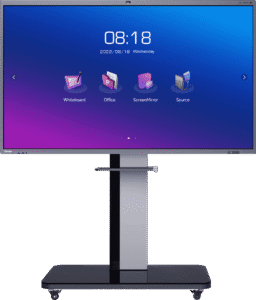
Many smart boards are available in Nepal. Horion Nepal has some of the most advanced smart boards available. The smart boards come in different sizes and features.
They include:
1. 98M6APro 98-inch
98M6APro 98-inch is an interactive smart board that is perfect for large classrooms and conference rooms. The device has a 4K UHD touchscreen, ultra-low latency touch, and multiscreen sharing functions. The powerful speakers, Android OS, and AI Camera make it ideal for collaborative work.
2. 86m6aproV2
86m6aproV2 interactive panel has sharp 4K visuals with smooth touch responsiveness. Android memory, storage and system upgrades for better performance and multitasking. The integrated camera and microphone array, as well as the strong connectivity, make hybrid learning possible.
3. 75M6APro V2 75 Inch
75M6APro V2 75 Inch Smartboard is the perfect combination of performance, size and cost. This smartboard is ideal for medium-sized classrooms. This 75-inch Smart Board comes with multitouch, a 4K screen, and collaboration tools such as whiteboard and screen sharing. The smartboard has a durable build and is designed to last. This smartboard is perfect for educational environments.
4. 75K7A 75 Inch
75K7A 75 Inch interactive 75-inch display is perfect for classroom presentations. The display has clear visuals and a responsive touch. Smart features enhance interactive lessons. This model was designed to provide a high-quality performance at an affordable price. 65M6APro V2
5. 65M6AProV2
65M6AProV2 65-inch Smartboard is compact and has a powerful resolution of 4K. It also has accurate multitouch functionality. The modern classroom is made possible by features such as wireless casting, collaboration, and apps.
6. 65K6A Inch
65K6A 65-inch interactive display is ideal for offices or classrooms. This display comes with a touch-friendly user interface and a clear display. This is an economical solution for institutions that want to cut costs without sacrificing quality.
7. Herman Interactive AI Smart Board
Herman Interactive AI Smart Board is an AI smart board meant to enhance collaboration and the modern classroom. Intelligent elements enhance communication, education and information sharing. Intelligent automation and interactive features are the foundation of this solution.
8. HV V100 Yuda
HV V100 Yuda Unique interactive display solution for flexible or specialized use cases. It has digital interaction, collaboration and presentation of content. Its functionality and design cater to innovative learning and presentation environments.
Conclusion
Smart boards are in high demand as classrooms become more sophisticated. But just because you have a need does not mean any old smart board will work. You need to get the best. It is not as easy as it may seem to choose the best smart board in Nepal. How do you choose the best smart boards for classrooms? For this, take into consideration factors such as screen size, classroom suitability and display quality.
This blog will give you some insight into the best smart boards to use in your classroom. Horion Nepal is the place to go if you are looking for smart boards that will work in your classrooms. If you want more information about smart boards, please check out our other blogs.
FAQs on How to Choose the Best Smart Board for the Classroom?
How to choose the best smart board for classrooms?
Consider key factors like screen size, classroom suitability, display quality, resolution, connectivity, and more. This blog will give you some insights into how to select smart boards for the classroom. This blog is a great resource. Horion Nepal is the place to go if you are looking for smart boards that will work in your classrooms. If you want more information about smart boards, please check out our other blogs.
What is a Smart Board, and how can it be used in the classroom?
Smart boards, or interactive whiteboards, are digital displays that allow teachers and students to interact directly with content using a stylus or touch. The device integrates all the functionalities of a computer, whiteboard, and projector into one device. Smart boards can also be used to make learning more engaging through multimedia presentations, collaboration, and real-time annotation. Durability and design are also essential in the long run. These will ensure that the board is a good fit for the classroom and will improve the learning process.
What is the best Smart Board for the classroom?
Smart boards are available in various sizes, designs, and prices. Horion Nepal’s products, including the 98M6APro, 86M6APro, and 75M6APro, have powerful functionalities, high-resolution screens, and touch responsiveness. Other models, such as the 65M6APro and 65K6A, can be used in smaller classrooms or for schools with budget constraints.