






How to Use a Smart Board for Teaching
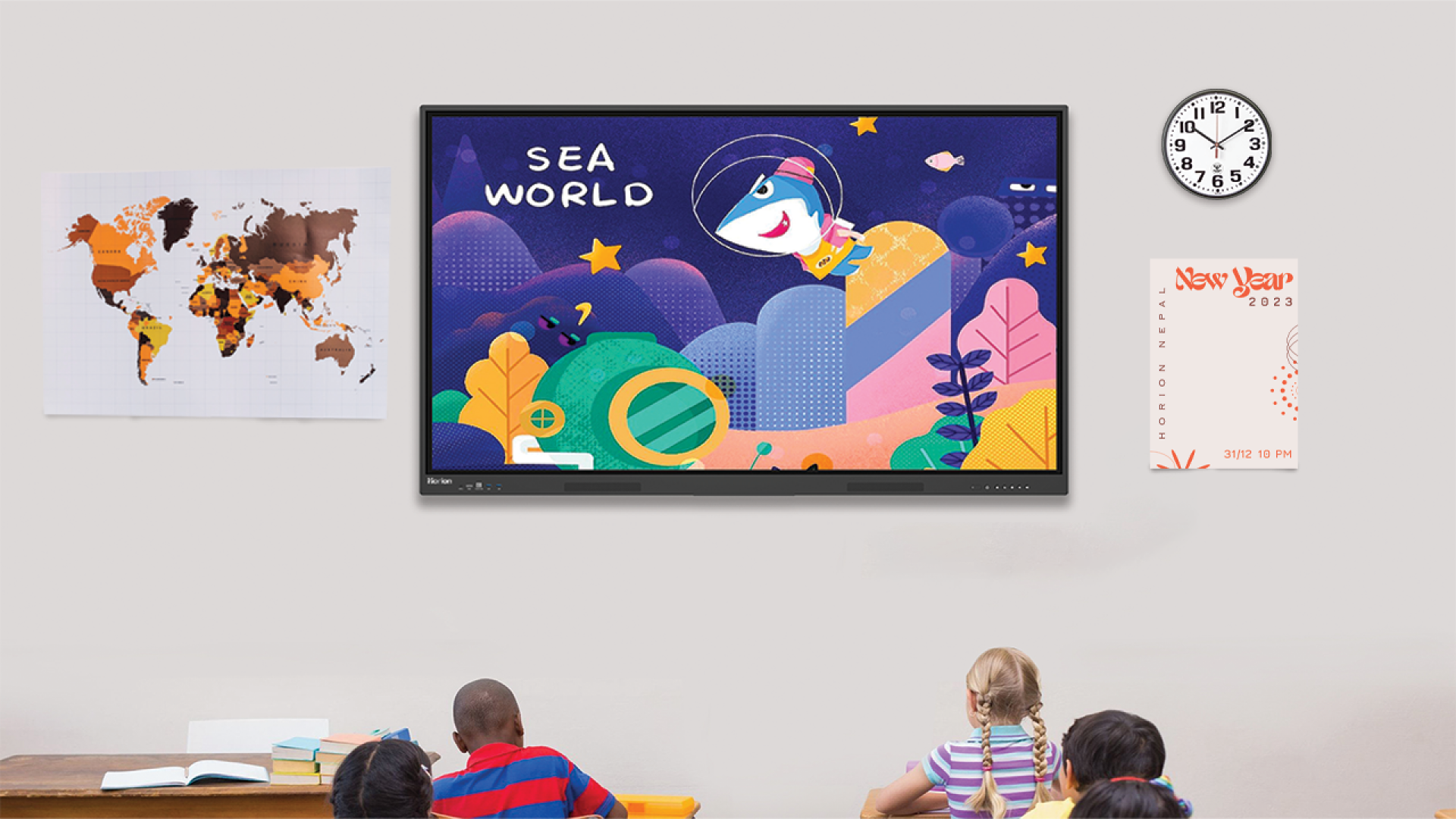
Modern teaching looks very different from how it used to be a few short years ago. Classrooms are becoming dynamic, more visual and interactive. The smartboard is at the heart of this transformation. Smart boards can be a powerful tool to engage and understand students when used correctly. Smart boards that are well integrated can change the learning process by allowing the students to interact and participate with the content. Students can also explore concepts in real-time. But how to use a smartboard in the classroom for teaching? You can use them to develop lesson plans, create an interactive learning atmosphere, and provide audio-visual aid for learning.
This blog provides insights into how to use Smart Board for Teaching. Let’s start by keeping these in mind.
Why is it important to learn how to use an interactive smart board?
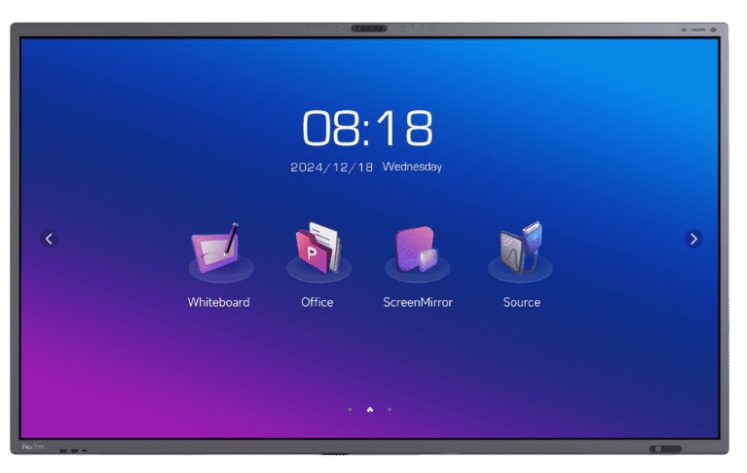
Simply having technology in the classroom is not enough. How well technology is utilized has a real impact. Smart boards with interactive capabilities can be powerful tools for teaching, but if they are not used correctly, they become basic presentation devices. Understanding how to properly use them ensures that students will be more engaged, efficient and meaningful. Smart boards can be used to create an interactive, student-centered environment. They promote different learning styles, and they can be used to present complex concepts with the aid of visuals, as well as interactive real-time conversations. Additionally, students are encouraged to participate in class by utilizing interactive features. Alongside this, some of the key reasons to learn how to use an interactive smartboards include:
- Combining visual, audio, and hands-on components to reach a wide range of learners. Complex topics can be made simpler to understand through diagrams, annotations, and step-by-step demonstrations.
- The board encourages teamwork, discussion and collaboration among students.
- Teachers can quickly assess the students’ understanding and adjust lessons as needed.
- Lessons are easily adaptable with the easy integration of interactive tools, multimedia content and web-based material.
- Use of templates and reusable material can streamline the teaching process.
- It is easy to maintain a smooth transition from the introduction through to the conclusion with the use of saved sessions and structured pages.
- Visually stimulating and interactive lessons naturally increase interest and attract attention.
- Students learn by doing. Students will learn by doing, whether it is solving problems, dragging objects, or directly interfacing with content.
- You can use the board for quick quizzes, polls, and other activities.
- Smart boards can be combined with online tools in order to facilitate learning for students who are present and those who are not.
- Students can share and save notes, annotations and lessons to review later.
- Reducing the need for printing worksheets, charts, and other classroom material.
- Combining images, videos and annotations can help teachers create an immersive learning experience.
- Students who regularly interact with interactive technology and modern technology will feel more comfortable.
What are the benefits of Smartboards In Teaching?
Smart boards can make your classroom more interactive and engaging. Smart boards combine multimedia, visuals, and real-time interaction to make lessons clearer and more dynamic.
The most important thing about them is that they encourage student participation, simplify complex concepts, and let teachers adjust lessons on the spot. Smartboards have interactive features that must be used in lessons. Smartboards offer many benefits.
- Create and organize interactive lessons: You need to focus your lessons on interactivity, rather than simply projecting static slides. It is important to engage students in the lesson rather than just have them passively watch it.
- Plan with Interactivity in mind: Consider where and how your students will be able to interact directly with the board when planning your lesson. You should ask yourself how students can interact with the board, what steps work best when demonstrated in real time, and which parts of the lesson would benefit from annotations or highlights. Consider how the board could help you visualize abstract concepts.
- Use Pages and Layers Strategically: Smart board software lets you create multiple pages, or slides. By organizing these properly, your lesson will flow more smoothly. Each page should be clearly defined.
- Structure your lessons: Structure your lesson by having a page with learning objectives, a warm-up and then a few pages of direct instruction and examples. Include pages for guided practice, and finish with a review activity or exit activity. You can quickly return to key points by keeping earlier pages readily accessible without interrupting your teaching flow.
- Multimedia and Online Content: Multimedia can also be incorporated into the lesson plan, which can make the smart board more interesting for the students. Images, charts, or diagrams can be used for the students’ visual learning. In addition, audio can be used for the students’ listening skills. Videos can be used for the students’ interactive learning.
How to use a smart board for teaching?
Smart boards can be used to enhance learning by combining multimedia, interactive and visual elements. Smart boards can make learning more interesting, clarify difficult concepts and encourage active participation from students. But how to use smart board for teaching? Teachers can tailor their teaching to meet the needs of students and different subjects. Smart boards can be used to teach a variety of subjects.
Teachers can use graphs, charts and other visual aids to explain abstract concepts using the Mathematics Smart Boards. Students can drag and drop, annotate, or interact with numbers on the board. This makes difficult topics such as algebra, geometry, and statistics easier to understand. Some of the key ways on how teachers can use smart board for teaching include:
1. Interactive Lessons
Interactive options can be used for something more than presenting the slides to students. Some examples of interactive lessons include interactive dragging and dropping, problem-solving on the spot, taking part in a quiz, etc.
2. Annotation Tools
Use the annotation tools to highlight, write and draw directly onto your content. This will allow you to teach concepts step-by-step, stress key ideas, and modify your teaching in real-time based on students’ understanding.
3. Using Multimedia content
Introducing multimedia into your classes will benefit your teaching experience. The usage of multimedia content will help explain any complicated concept that might be hard for the learners to understand. Moreover, it will keep the students interested throughout the period.
4. Promoting Interaction among Learners
Encourage students to step out of their seats and actively engage with the lesson on the smart board. You can invite them to solve problems, drag and drop answers, or present their ideas, which naturally increases participation. This kind of physical and visual interaction keeps students more focused, improves understanding, and creates a more lively and collaborative classroom environment.
5. Saving and Sharing Your Lessons
Make full use of the smart board’s ability to save lessons along with your annotations, highlights, and notes. These saved materials can be reused for future classes, reducing preparation time and ensuring consistency in teaching. Alternatively, you can share these documents with your students so that they may review their lesson at any other time.
6. Classroom Flow Control
Using a smart board will help you manage the flow of your class effectively. It is possible to seamlessly move from one slide, video, or activity to another within seconds. You will be able to control your classroom flow well and respond to your students’ needs during your lesson. It will allow you to adapt to your students’ feedback while maintaining control.
7. Practice Makes Perfect
The more you practice using your smart board, the more familiar you become with its various features. By doing so, you will be able to identify different ways that you can make your class engaging and interactive. It will eventually give you the confidence and ability to conduct excellent lessons with your students.
What are Common Mistakes to Avoid When Using a Smart Board?
Smart boards can be a powerful learning tool, but they can also distract students if used incorrectly. Teachers make many simple mistakes that prevent students from getting the most out of technology. Avoiding these mistakes will ensure that your lessons remain engaging, clear, and interactive. Some of the common mistakes include improperly calibrated smartboards, excessive texts on the screen, ignoring student interaction, and improper planning of lessons.
- Ensure that the board has not been calibrated properly: Misaligned pen and touch responses can cause inefficient or inaccurate interaction.
- There is too much text on the screen: Students can be overwhelmed by text-heavy slides, which decreases engagement. Focus on visuals, diagrams and concise points.
- Ignoring student interaction: Its main purpose is to encourage active learning. It will not be effective if you just display content without encouraging students.
- Over-reliance on Smartboards: Students require guidance. Software or multimedia that lacks clear instructions can cause confusion.
- Plan your lesson with interactivity: You will miss engagement opportunities if you do not plan interactive activities.
- Skip Multimedia Integration: Lessons without images, simulations and videos are less engaging and can reduce visual learning.
- Overcomplicated features: Too many effects and tools can distract students rather than enhance their learning.
- Saving or organizing the lesson incorrectly: It is not easy to review the previous lessons unless the slides are well-organized with annotations.
The Best Smart Boards For Education
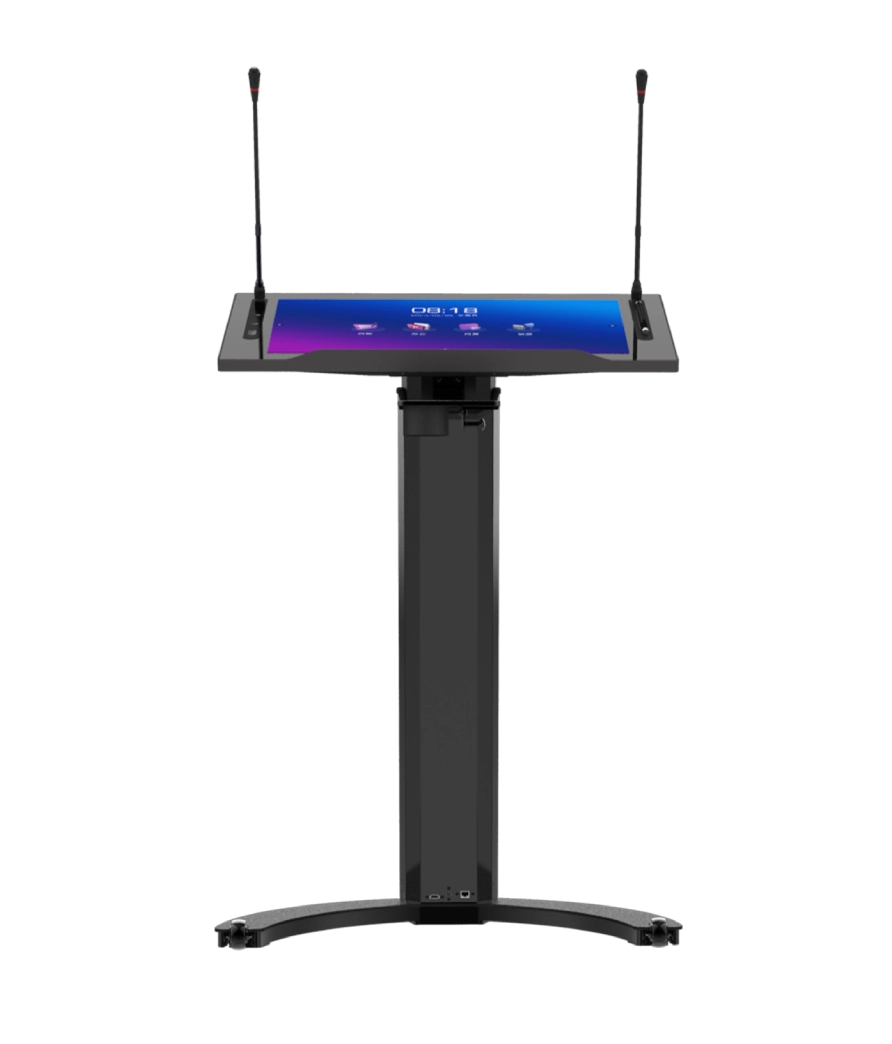
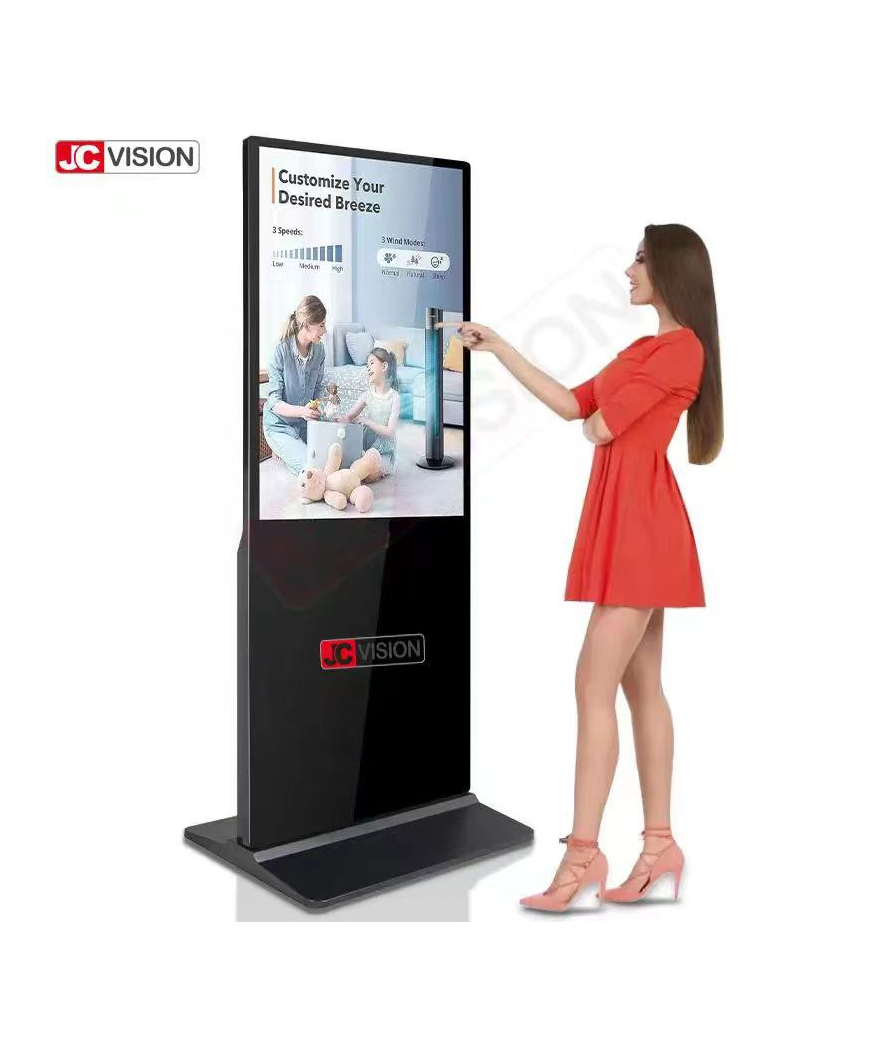
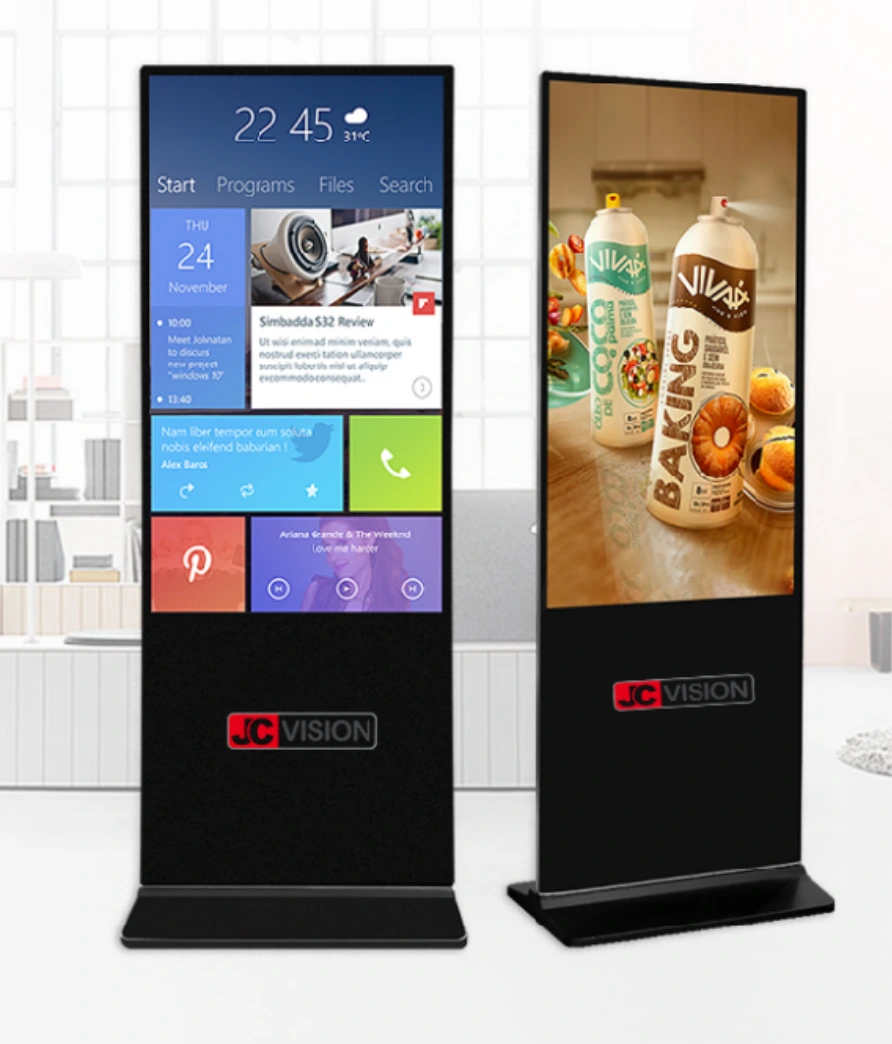
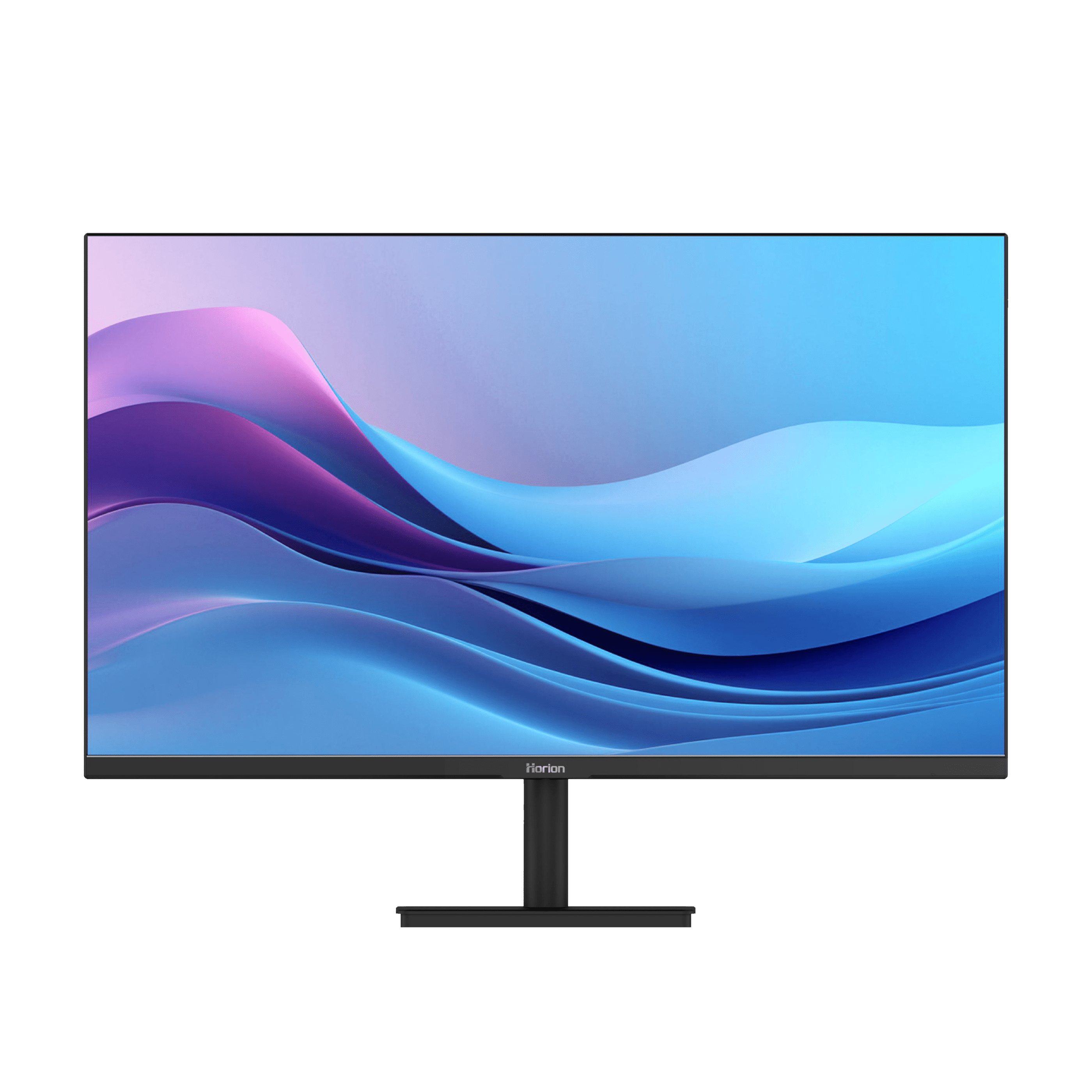
Just using the smartboards for education is not enough -you need to have the best smartboards to teach effectively. There are many smartboards available out there, among which some of the best ones are as follow:
SmartBoard | Price |
6,50,000 | |
3,10,000 | |
2,20,000 | |
2,10,000 | |
1,90,000 | |
1,30,000 |
Where To Buy A Smart Board In Nepal?
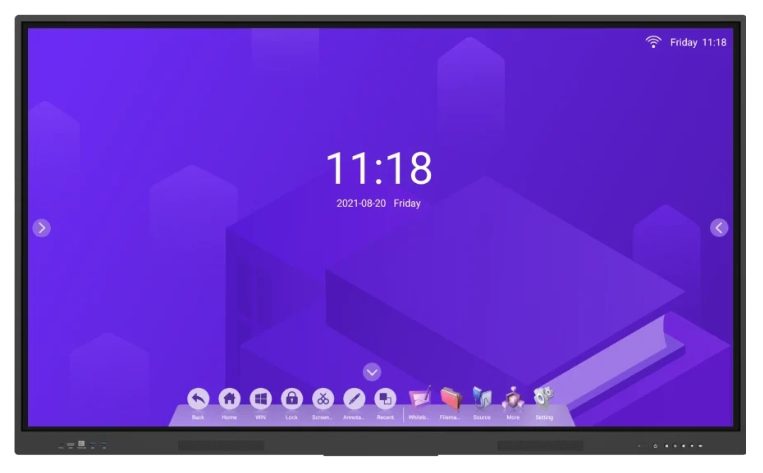
If you want to buy the best smartboards that we mentioned prior, the best option for you is Horion Nepal. Not only do you get the best smartboards in Nepal from them, but they also teach you how to use them effectively, and provide you with great after sales service. You can either order the smartboards online by contacting them at:
- Email: horionnepal@gmail.com
- Office Phone: +977-1-5111018
- Sales: +977 9820755026, +977 9820755021
- IT Support: +977 9802031256
Or visiting the office at:
- Address: Fifth Floor, Trade Tower, Thapathali, Kathmandu, Nepal
Conclusion
Smart boards are a very important technology used in the modern classroom. The teacher is able to create a very interesting and effective lesson with the smart board. The smart board is a great technology for the enhancement of active learning and the clarity of concepts regarding smart boards. The smart boards are also adjustable to the various learning styles of the students. The teacher is able to create a very interesting and dynamic learning environment through the use of multimedia and the involvement of the students.
This blog will provide you with a variety of information on how to use Smart Board for teaching. Check out our other blogs for more information on smartboards. If you are looking for the best smartboards in Nepal, then look no further than Horion Nepal. You have read all the way to the end.
Recommended Blogs:
How to Set Up A Smart Classroom in 5 Steps
How to choose the best smart board for the classroom
FAQs on Using Smart Board For Teaching
1. What is the primary advantage of a smart board in the classroom?
The primary advantage of a smart board is that it makes the lesson interactive and engaging, enabling the students to actively contribute to the learning process. It has visual, audio, and hands-on components, making it easier to explain complex concepts. It is effective for different types of learners, thus enabling a diverse range of students to benefit from the lesson.
2. What are some ways that teachers can incorporate multimedia in teaching with a smart board?
Teachers can incorporate multimedia such as images, charts, diagrams, or videos to assist students with visual learning. Multimedia can also assist teachers in keeping students engaged. Multimedia can assist teachers in helping students understand concepts in real time. This can assist students who have difficulty grasping abstract concepts or concepts that are hard to understand.
3. What are some common mistakes that teachers make while teaching with a smart board?
The common mistakes that teachers make are using too much text, not calibrating the smart board, using too much technology, or not incorporating multimedia. A teacher can avoid all these mistakes to make sure that his or her teaching with a smart board remains interactive, engaging, and easy to understand for all students.
4. What is the 70/30 rule in teaching?
The 70/30 rule is a principle in which a teacher is advised to allow the students to take an active part in class for about 70% of the class time, while only 30% is left for the teacher to teach. This principle is important since it enables the students to take an active part in class.
5. How to use the board as a teacher?
The board can be used as a tool for teaching since it is possible to present the class with dynamic presentations using the board. The teacher can also use the board for real-time interactions with the class. The teacher can also use the board for other activities such as quizzes or even group work.
6. What is the best smart board available in Nepal?
The best smart board available in Nepal is through reliable sources such as Horion Nepal, which is providing quality interactive flat screen display technology with smooth touch response and multimedia features.These are best for educational institutes such as schools, colleges, etc.
7. What is the smart board price in Nepal?
The smart board is reasonably priced in Nepal for different sizes. For example, an interactive smart board is available at an affordable price for small classrooms, whereas a smart board with all multimedia features is available at a higher price, which is more value for money spent in education. They range somewhere between 130000 to 650000.
8. How much does a smart board in Nepal cost?
The smart board in Nepal price range is quite reasonable when compared with the price of a smart board worldwide. For example, sources such as Horion Nepal are providing quality smart board solutions with warranty, making it easier for educational institutes to implement smart board technology for effective teaching.