






Smartboard vs Projector: What Works Best For Nepali Schools?
The scene of education has come a long way since the days of blackboards and chalk. With the progress of time, traditional mediums of teaching have made way for modern digital mediums. Two of the most popular teaching media in modern times are smart boards and projects, both creating their own classroom experiences. But when we talk about these two classroom tech simultaneously, one of the key questions here is which one works best for Nepali students: smartboard vs projector? The simple answer to this question is – if you have the budget, then you should always go for smart boards in Nepal. But there is more to the difference between smartboards vs projects than a simple budget.
In this blog, we provide you with insights on smartboards vs projectors and which one works best for Nepali schools.
What are Smart Boards and Projectors?

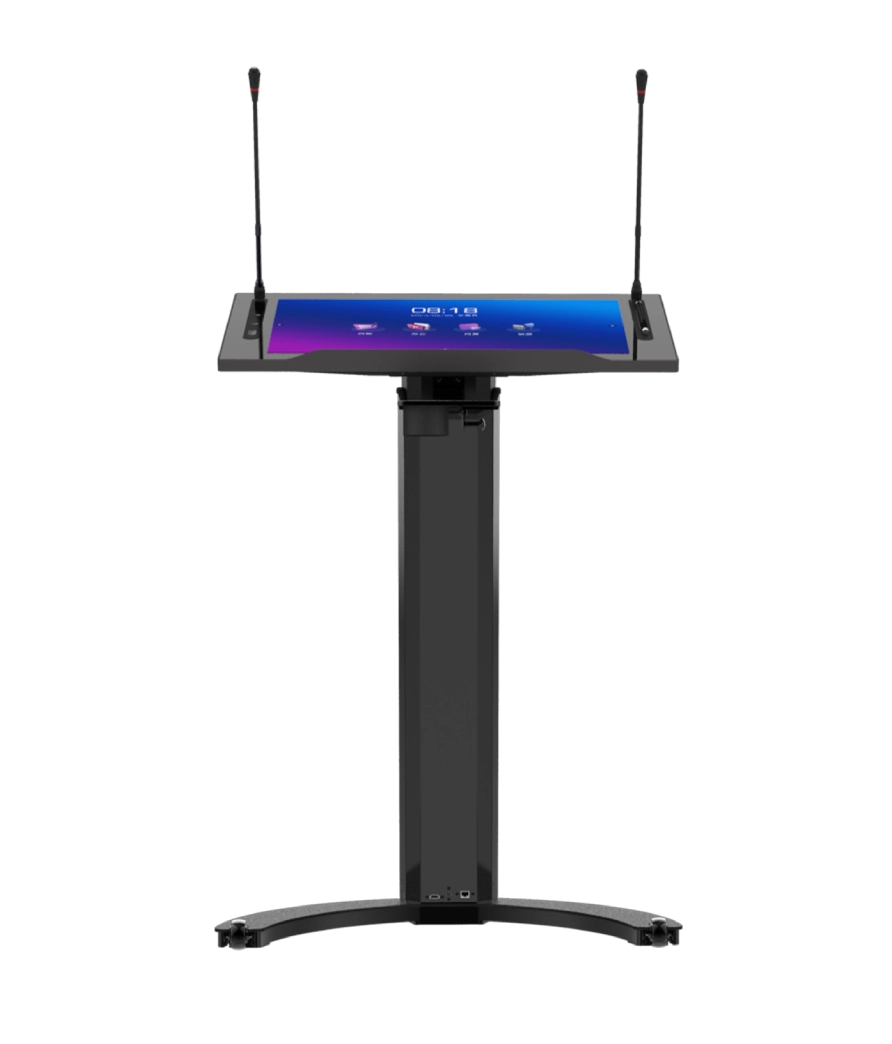
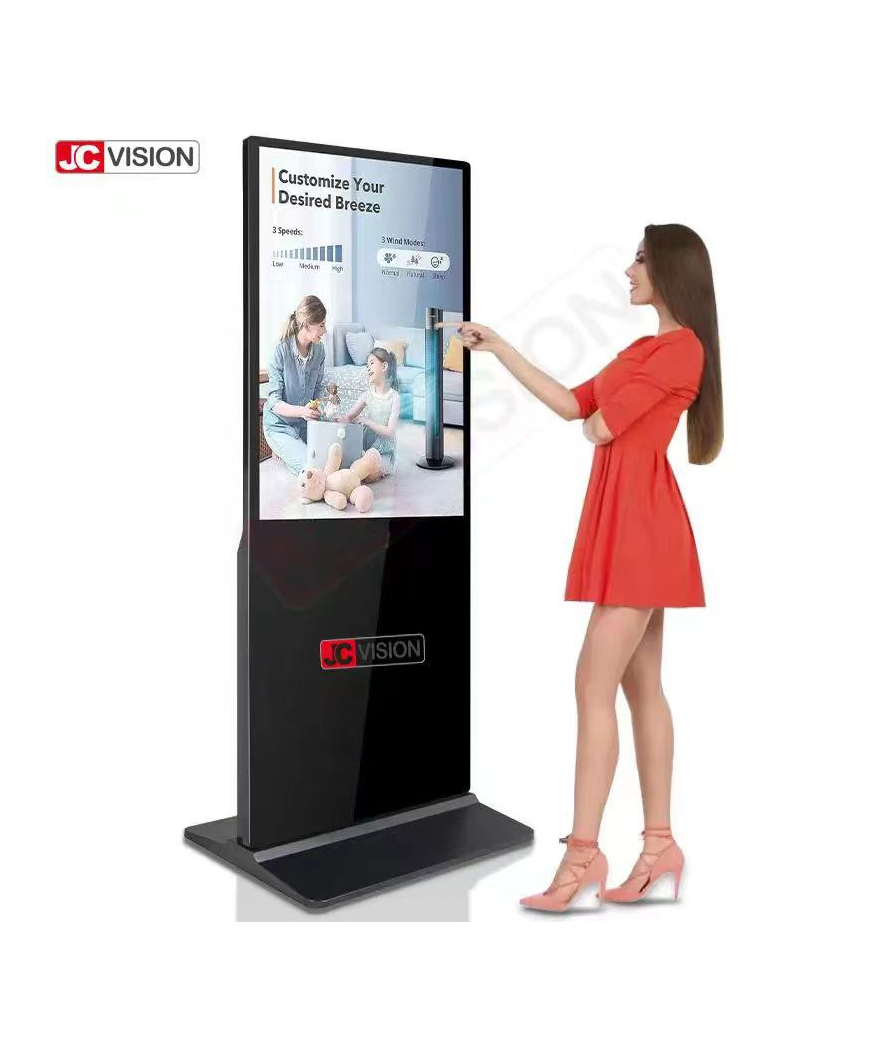
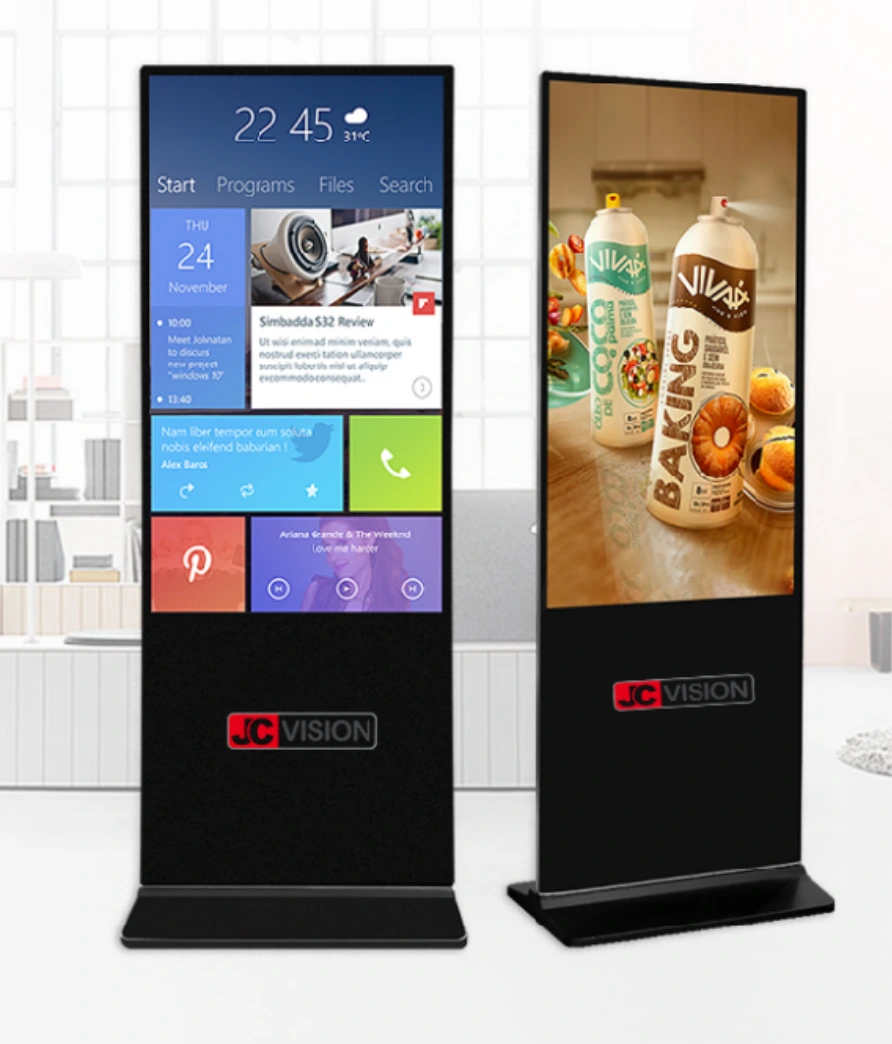
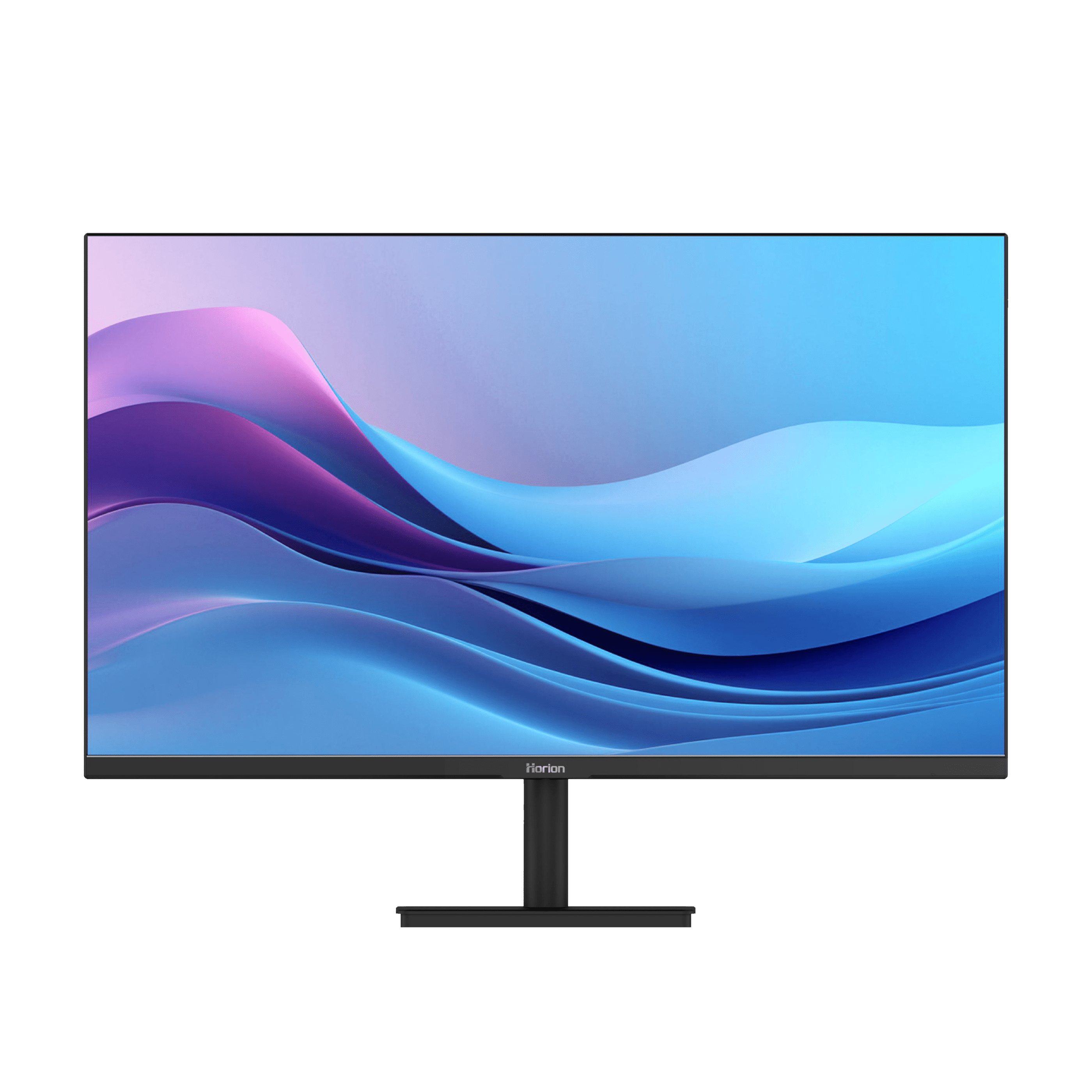
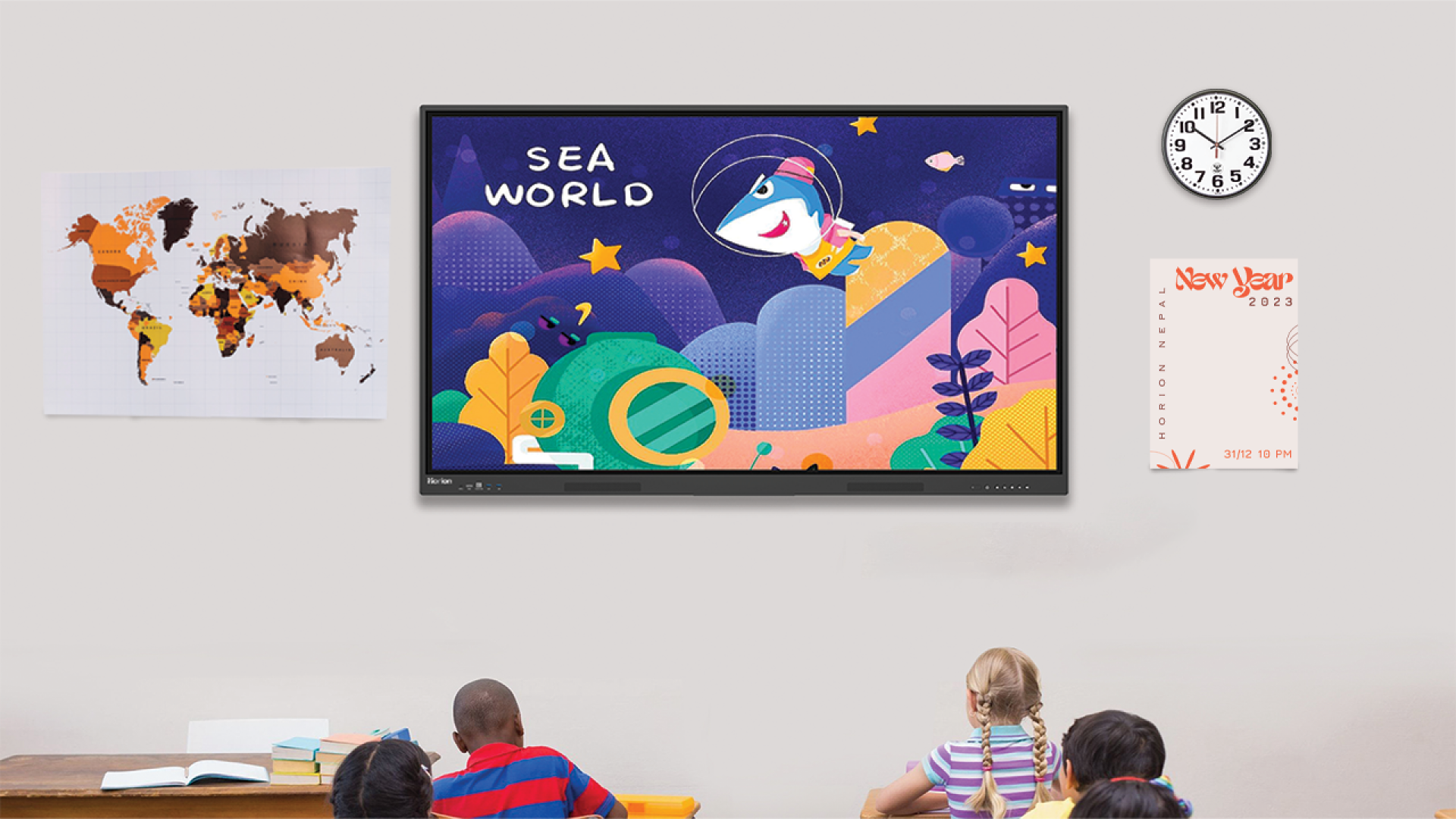
Smart boards, also known as interactive displays, are large touch-enabled digital screens. This display can be used for a wide range of purposes, but it is especially used in education. In many aspects, it works like a giant tablet mounted on a classroom wall. Teachers can write directly on the screen, open apps, and play videos. At the same time, teachers can also browse the internet and interact with the teaching materials using touch and/or a stylus.
On the other hand, a projector is simply a display device that shows the content from a laptop or a computer. It is a bit traditional when compared to smart boards, but this system is a bit more affordable and can provide teachers with good control over their teaching plan, especially if the device is connected to the internet and has apps associated with teaching.
What are the key Differences: Smartboard vs Projector?
Although both smartboards and projectors are used in modern education sectors, both are built on completely different core technologies and usage methods. Therefore, it is important to understand their key differences before you make the decision to implement one. Some of the key differences in the battle between smartboard vs projector include:
Technologies
Smartboards and projectors are built on completely different core technologies. Understanding how each device works helps schools choose the right tool for their teaching style.
Smartboard: Uses a large interactive touch display with built-in software like teachmint and brightclass. It functions like an oversized tablet or computer screen that responds to touch and stylus input.
Projector: Uses a light source and lenses to project an image from a connected device (laptop/tablet) onto a wall or screen. Basic projectors are not interactive unless paired with special interactive accessories.
Bottom line: Smartboards integrate display and technology in one device; projectors are purely display devices.
Display Quality and Visibility
Learning requires the display of information. How smartboards and projectors display information in terms of brightness, clarity, and lighting is a key factor in this aspect.
Smartboard: Provides a display of information that is clear and of high brightness regardless of the lighting in the classroom. It provides clear text and image display even when there is lighting in the classroom.
Projector: Provides a display of information that is of variable brightness depending on the lighting in the classroom. When there is enough lighting in the classroom, it is difficult to read information displayed on a projector.
Winner: Smartboards
Interactivity and Impact
Learning in a classroom is not about passively listening to information anymore. Interactivity of a display device is a key factor in this aspect.
Smartboard: Designed to allow interaction with information displayed on it. It is possible to write, draw, and even drag objects on a smartboard. It also runs educational applications.
Projector: Only provides passive interaction with the information displayed on it. One can write and draw on a projector using special pens or special projectors.
Impact: Smartboards are far better for active learning and participation.
Ease of Installation and Maintenance
Schools require technology that is easy to install and requires minimal maintenance. Installation and maintenance costs are major factors that have significant effects.
Smartboard: Installation is relatively simple, but it does require a lot of weight and stability to install it on a wall. Maintenance is relatively simple and only requires periodic updates to the software.
Projector: Easier to install and move around; fits into many different configurations in the classroom. However, projector bulbs need to be changed, filters get dusty, and projector alignment is necessary.
Maintenance Cost: The projector has recurring costs.
Requirements and Compatibility
Not all classrooms have the same technical setup. Power needs, device connections, and software compatibility determine how smoothly each option fits into daily teaching.
Smartboard: Needs stable power, occasional internet for software and updates, and compatible content formats. Works well as a standalone teaching tool.
Projector: Requires a compatible device (laptop/tablet) for content. It is dependent on external hardware and cables.
Compatibility: Smartboards are more self-contained; projectors depend on external sources.
Cost
Budget is one of the biggest deciding factors for schools. To get a better view of true value, it is important to consider not only the cost of purchase but also other expenses over time.
Smartboard: This is a bit less affordable to purchase because of its technology and ability to be used for more than just giving a presentation. However, it is more cost-effective over time because there is no cost for changing bulbs and other materials.
Projector: This is less expensive to purchase, and that is good news for our budget. However, it is not cost-effective over time because of the cost of changing bulbs and other materials.
Budget view: The projectors are less expensive to purchase; the smartboard is more cost-effective over time.
Sustainability and Future-Proofing
Educational technology should serve schools for multiple years and not just for a short time. Therefore, future-ready features and adaptability matter as digital learning continues to evolve.
Smartboard: They are designed for modern digital classrooms with interactive lesson tools, collaborative features, and support for future technologies. It fits hybrid learning and can integrate with cloud services and educational apps.
Projector: Traditional projectors are less future-ready and offer limited interactive growth unless upgraded to costly interactive models.
Future readiness: Smartboards are more future-proof in evolving education environments.
Following is a quick breakdown of the key concepts within the said differences in a tabular form.
Which one is best for Nepali Students in Classrooms: Smartboard vs Projector?

So finally we reach the key question – which one is better for you – smart board or a projector? In this battle between smart boards vs. projectors, there is no clear winner. But in general, if you have a higher budget, want more interactivity and need a future-ready device for teaching that can last for multiple years with little to no maintenance, then a smartboard is the best device for you.
But, if you have a lower budget or have a classroom that cannot support wall-mounted displays, projectors are a practical choice. While they do lack advanced features like smartboards, you can make up for them to some extent by installing apps on the laptop or a computer.
Conclusion
The Nepali education landscape is evolving at a rapid pace, and in this rapid evolution, both smartboards and projectors play a key role. But when it comes to comparison between smartboard vs projector for education, the smart board outperforms projectors for education. That said, you do have to note that projectors still are a valid option for you if you require interaction in class with limitations, but staying within your budget.
In this blog, we provided you with insights on which one you should choose between smartboards and projectors. We hope you found this helpful. If you seek further insights on the various aspects of smart boards in Nepal, do check out some of our other blogs. And for the best smartboards available in Nepal, there is only one answer: Horion Nepal – the best distributor for smartboards in Nepal.
FAQs on Smartboards vs. Projectors for Education
1. Is it worth investing in smartboards for schools in Nepal?
Yes, smartboards are worth investing in for schools in Nepal. Smartboards are long-term investments for schools and are good for interactive education. Smartboards are more expensive than projectors, but they are more durable and require less maintenance.
2. Can projectors also be used for interactive education, just like smartboards?
Projectors are only used for displaying content on a whiteboard. They are not good for interactive education because they are not interactive. Some projectors are available for interactive education, but they are expensive and require additional hardware. Smartboards are better for interactive education.
3. What is better for schools in rural Nepal with limited budgets?
For schools with limited budgets, projectors are better than smart boards. They are less expensive than smartboards and are good for displaying content on a whiteboard.